01
Read
Meet the wine before the board moves.
Every pour arrives with a few useful cues—body, acidity, sweetness, structure, and recognizable flavors. You are not asked to memorize a textbook. You are given just enough to make a choice.
How it works
Pair Play Slice gives you a wine, a moving board, and a set of delicious decisions. The loop is fast; the lesson underneath it is designed to stay with you.
Start a round01 Read · 02 Slice · 03 Learn
The core loop
Read
Every pour arrives with a few useful cues—body, acidity, sweetness, structure, and recognizable flavors. You are not asked to memorize a textbook. You are given just enough to make a choice.
React
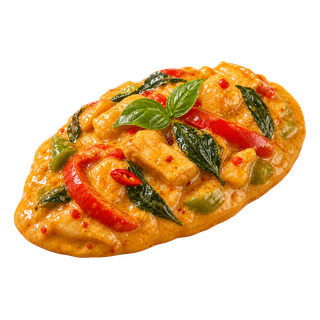
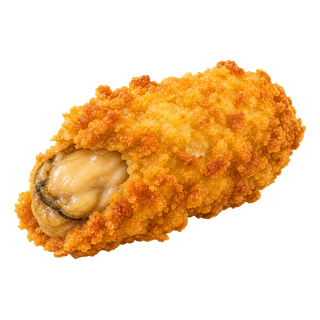
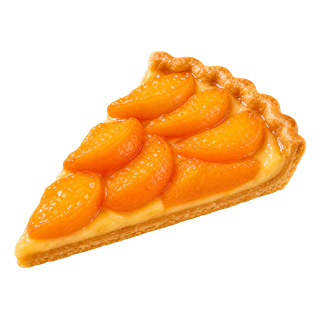
Foods move through the playfield while hazards test your timing. Swipe a pairing target, protect your lives, and use powerups when a route gets busy.
Remember
Feedback explains the relationship behind the match, then returns the same idea in another wine, region, or dish. That repetition is where recognition becomes instinct.
Ways to play
The beta already supports multiple practice loops, from a quick first pour to longer themed routes.
Quick start
Pairing routes
Practice & recall
Wine cellar
Made for the screen in front of you
Pair Play Slice is built as a static web game and adapts its controls to touch, pointer, and keyboard input. The experience stays focused without requiring an app-store install.
Swipe through the dish you want to slice.
Choose with arrow keys and slice with Enter or Space.
Use the pause control, P, or Escape when you need a moment.
One last thing
Pair Play Slice is a wine-education game for guests of legal drinking age.
You can play as a guest. Please enjoy wine responsibly.